Run every station, session, and payment from one counter.
Track PS4 and PS5 play, add games to live sessions, capture debts, apply discounts, monitor history, and keep payroll visible without juggling notebooks.
Built for the shop floor
Less guesswork at closing time.
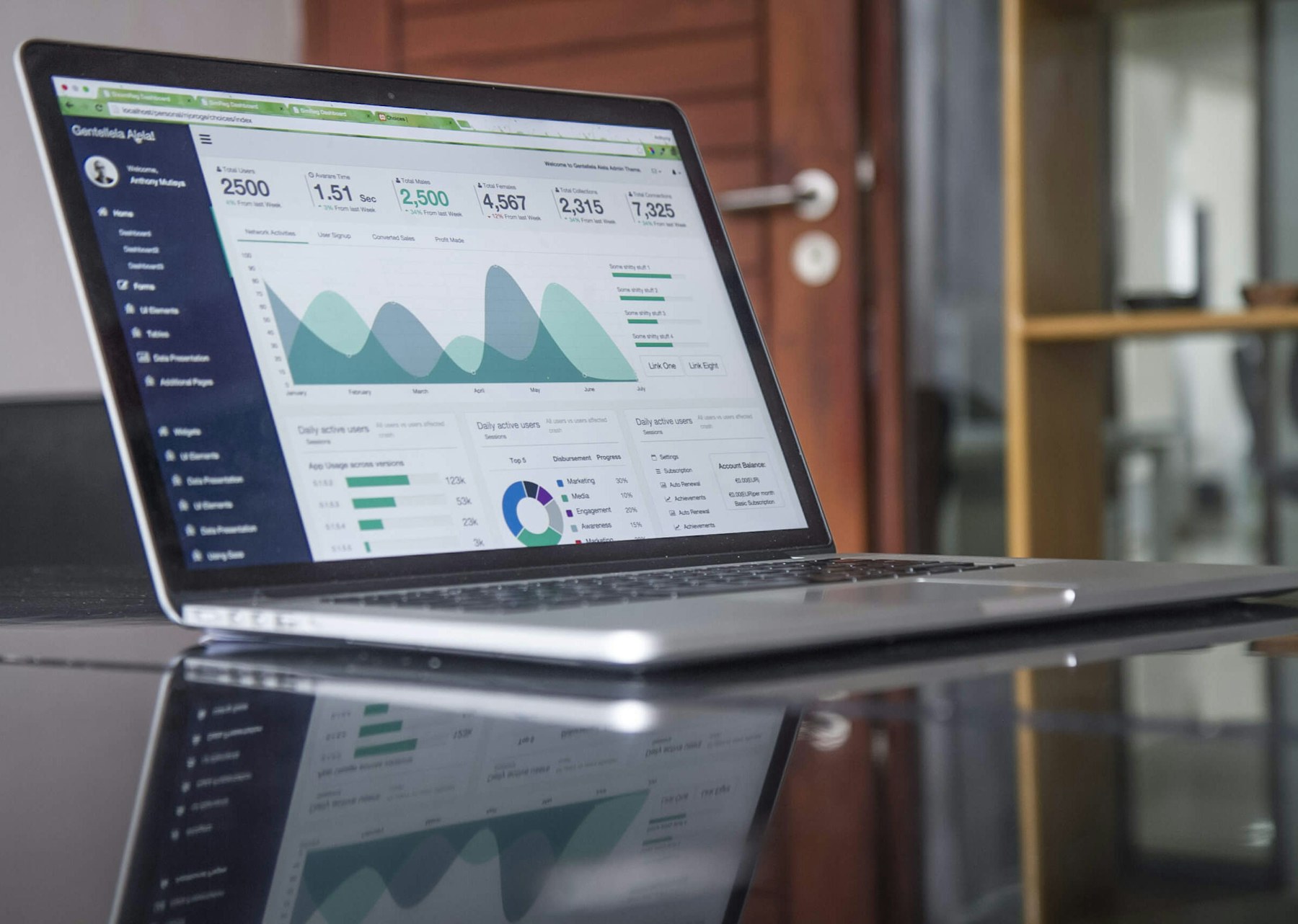
The dashboard keeps current play, completed sessions, debt balances, finance totals, and staff pay in one operational view.
How it works
Start with the station, keep the session accurate while players switch games, then close with clean payment and history records.
 1
1
Select a station
Choose the active PS4 or PS5 setup and start a player session from the station view.
 2
2
Add games
Log unit-based or timed games, track bonus play, and record player scores when needed.
 3
3
Settle payment
Apply discounts, split costs, record debts, and keep partial payments attached to the right customer.
 4
4
Review performance
Use history, finance, and payroll views to understand daily activity and staff earnings.
Benefits that show up during busy hours.
Designed for practical gaming-shop operations where players change games, payments vary, and staff need fast answers.
- Keep live sessions visible across every station.
- Reduce missed charges with game-level logs and automatic cost calculation.
- Handle debts and partial payments without losing the session context.
- Support different pricing modes for FIFA, fighting, and timed adventure games.
- Give admins clear user, finance, and activity controls.
- Keep payroll visible for eligible staff and administrators.
Everything the counter needs.
Focused tools for station management, live operations, records, payments, and owner oversight.

Station Control
See available consoles, start sessions quickly, and manage station-specific game settings.

Live Sessions
Add games, track time, set sessions aside, reactivate play, and complete sessions cleanly.

Finance View
Follow income, expenses, debts, payroll, and daily shop movement from one place.